

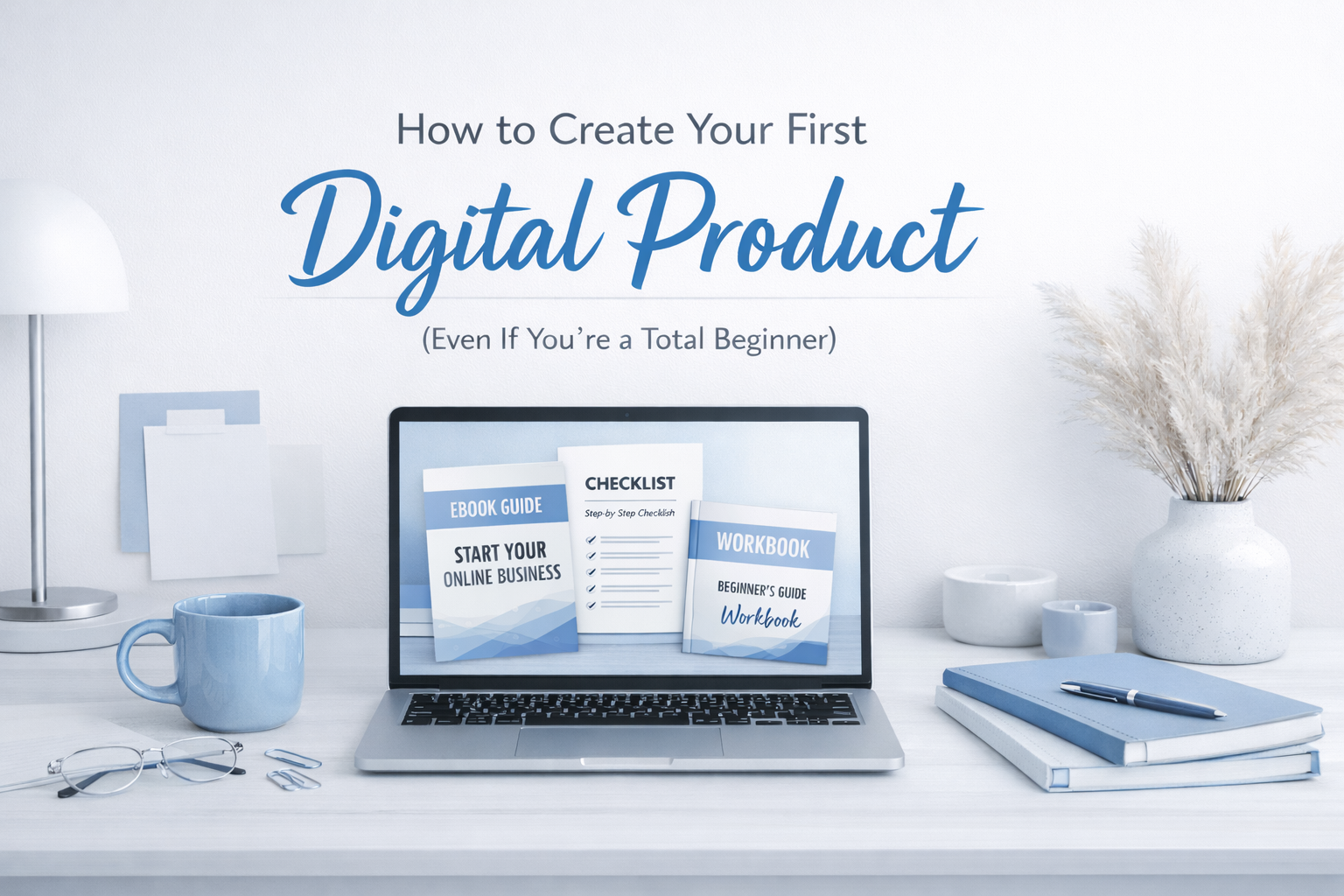
A step-by-step beginner guide to choosing, creating, and launching your first digital product without overwhelm.
Introduction: Digital Products for Beginners Explained Simply
If you have ever searched online for ways to make money from home, you have probably seen the words digital products everywhere, and while they sound exciting, they can also feel confusing, technical, or even scary when you are a beginner who does not know where to start, what to create, or whether you are even good enough to sell something online.
The truth is simple and honest, digital products for beginners are one of the easiest and safest ways to start an online business, because you do not need inventory, shipping, a big audience, or special skills, and you can start with what you already know, learn, or have experienced in your life.
In this guide, you will learn how to create a digital product step by step, using clear language, simple tools, and a calm approach that removes pressure, fear, and confusion, so by the end of this article, you will understand exactly what to do next, even if you are starting from zero.
What Is a Digital Product? (Beginner Explanation)
A digital product is something you create once and sell online as a digital file, which means your customer downloads it instantly after payment, without waiting for shipping or delivery.
Simple examples of digital products include:
- Ebooks or guides
- Checklists and planners
- Templates
- Workbooks
- Online courses
- Digital toolkits
- Paid resources or tutorials
For digital products for beginners, the best products are simple, clear, and helpful, not complicated or perfect, because beginners do better when they focus on solving one small problem instead of trying to teach everything.
Why Digital Products Are Perfect for Beginners
Digital products work so well for beginners because they remove many of the problems that stop people from starting an online business, such as money, time, or fear of failure.
Here is why beginners love digital products:
You do not need to be famous, because people buy solutions, not followers.
You do not need to be perfect, because progress is more important than polish.
You do not need a lot of money, because most tools are free or low-cost.
You do not need experience, because you can teach what you are learning or have already figured out.
When people ask how to create a digital product, they often think it must be complicated, but in reality, it can be one simple PDF that helps someone take their first step.
The Biggest Mistake Beginners Make With Digital Products
The biggest mistake beginners make is waiting too long to start, because they think they need more knowledge, more confidence, or more tools, when what they really need is clarity and action.
Another common mistake is trying to create a big course or complex system as their first product, which usually leads to burnout, confusion, and unfinished projects.
For digital products for beginners, the goal is not to create the best product in the world, but to create your first product, because the first product teaches you more than any course or video ever will.
Step 1: Choose the Right Digital Product Idea
When learning how to create a digital product, the first step is choosing the right idea, and the right idea is not the most creative one, but the clearest and easiest one.
Ask yourself these simple questions:
- What have people asked me for help with?
- What problem have I solved for myself?
- What do I know now that I did not know before?
- What do beginners struggle with that I understand?
Your digital product idea should sit at the intersection of what you know, what people need, and what beginners can understand easily.
Good beginner product ideas include:
- “How to start…” guides
- Step-by-step checklists
- Beginner roadmaps
- Simple frameworks
- First steps playbooks
Step 2: Validate Your Idea Without Stress
Validation sounds technical, but for beginners, it simply means making sure people actually want what you plan to create, without spending money or overthinking.
Easy ways to validate include:
- Searching your topic on Google
- Looking at YouTube video titles
- Reading comments and questions online
- Checking what people already buy
If people are already talking about the problem, asking questions, or buying similar products, that means demand exists, and you do not need to reinvent anything.
Step 3: Decide What Type of Digital Product to Create
For digital products for beginners, the best first product is usually a PDF guide, because it is fast to create, easy to update, and simple to sell.
Beginner-friendly product types include:
- PDF guides (10–30 pages)
- Checklists
- Workbooks
- Templates
- Mini guides
You do not need videos, fancy designs, or advanced systems, because clear content matters more than design.
Step 4: Structure Your Digital Product the Simple Way
When learning how to create a digital product, structure matters more than length.
A simple structure looks like this:
- Introduction: What the product is and who it is for
- Problem: What struggle the reader has
- Solution: Step-by-step guidance
- Action steps: What to do next
- Encouragement: Confidence and clarity
Think of your product as a conversation, not a textbook.
Step 5: Create Your Digital Product Using Simple Tools
You do not need expensive software to create digital products for beginners.
The best beginner tools are:
- Google Docs for writing
- Canva for design
- PDF export for delivery
Canva is especially useful because it offers ready-made templates, clean layouts, and drag-and-drop design, which means you can create a professional product even if you are not a designer.
Step 6: How Long Should It Take to Create Your First Product?
Your first digital product should take days, not months.
A realistic timeline:
- 1 day to outline
- 2–3 days to write
- 1 day to design
- 1 day to finalize
If you wait until everything feels perfect, you will never finish, so choose progress over perfection.
Step 7: Pricing Digital Products for Beginners
Pricing is where many beginners get stuck, but pricing does not need to be complicated.
For beginners, low-ticket pricing works best, because it removes pressure for both you and the buyer.
Good beginner prices include:
- $7
- $9
- $17
Low prices help you get sales faster, build confidence, and learn how selling works.
Step 8: Where to Sell Your Digital Product
You do not need a complex website to start selling.
Beginner-friendly platforms include simple digital storefronts that handle payment and delivery for you, so you can focus on creating and marketing instead of tech.
You can host your product and manage your digital offers using a simple store setup like this one:
👉 https://stan.store/MaryGStore
This makes it easier to sell ebooks, guides, and coaching without building everything from scratch.
Step 9: Create a Simple Sales Page That Converts
A sales page does not need to be long or complicated.
A simple sales page includes:
- Clear headline
- Who the product is for
- What problem it solves
- What they will learn
- What they get
- Buy button
Speak like a human, not a marketer.
Step 10: How to Market Your Digital Product as a Beginner
Marketing does not mean posting everywhere or being loud online.
For beginners, marketing means talking about the problem your product solves, sharing your learning journey, and inviting people to take the next step.
Simple marketing ideas include:
- Educational posts
- Personal lessons
- Behind-the-scenes content
- Beginner tips
- Clear invitations to your product
Step 11: Selling Without Feeling Salesy
Selling feels uncomfortable when you think you are bothering people, but selling feels natural when you understand that you are helping someone solve a problem.
If your product helps, selling is service.
Step 12: Common Beginner Fears (And the Truth)
Many beginners fear that:
- No one will buy
- They are not experts
- They will fail
- They will be judged
The truth is, everyone starts somewhere, and your beginner perspective is actually your strength.
Step 13: How Digital Products Grow Over Time
Your first product is not your last.
Once you understand how to create a digital product, you can:
- Improve it
- Bundle it
- Upsell coaching
- Add affiliate tools
- Create advanced products
Digital products grow with you.
Step 14: Turning Your Product Into a Business
Digital products are not just one-time projects, they are business assets.
With time, they help you:
- Build trust
- Grow an email list
- Create income streams
- Open coaching opportunities
Step 15: Final Encouragement for Beginners
If you remember one thing from this guide, let it be this:
You do not need permission, perfection, or confidence to start.
You only need clarity and action.
Digital products for beginners work when you keep things simple, helpful, and human.
Ready to Take Your First Step?
If you want a clear, beginner-friendly path to creating and selling your first digital product, you can explore my tools and resources here:
👉 https://stan.store/MaryGStore